北陸から南の日本海側と甲信越地方には豪雨被害が出るほどの梅雨末期。静岡も今日は涼しい。本州の中間辺りで,冷たいオホーツク高気圧と蒸し暑い太平洋高気圧がせめぎあっているようで,暖気と寒気が交互にやってくる。おかげで体の調子がイマイチ。困ったことである。早く完全な夏になって欲しいものだ。
Core 2 Duo続報。しかし,Micro Architectureレベルの議論をされても,実際どの程度影響があるのか,コンパイラレベルで差異が消えてしまう程度なのか,よーわからんなぁ。まあ,当分,Core 2 Duoマシンとは縁がないだろうから,ベンチマーク結果が出揃うのを待つしかないな。
先日の秋葉行きは,用事を済ませたらさっさと帰宅。8:23掛川発のこだまで出かけ,13:23東京発のこだまで帰宅したから,多分,新幹線に乗っていた時間のほうが長かった筈(w それでもまあ楽しめたからいいのである。
東京駅の丸の内口に貼ってあったgooの広告3連発。
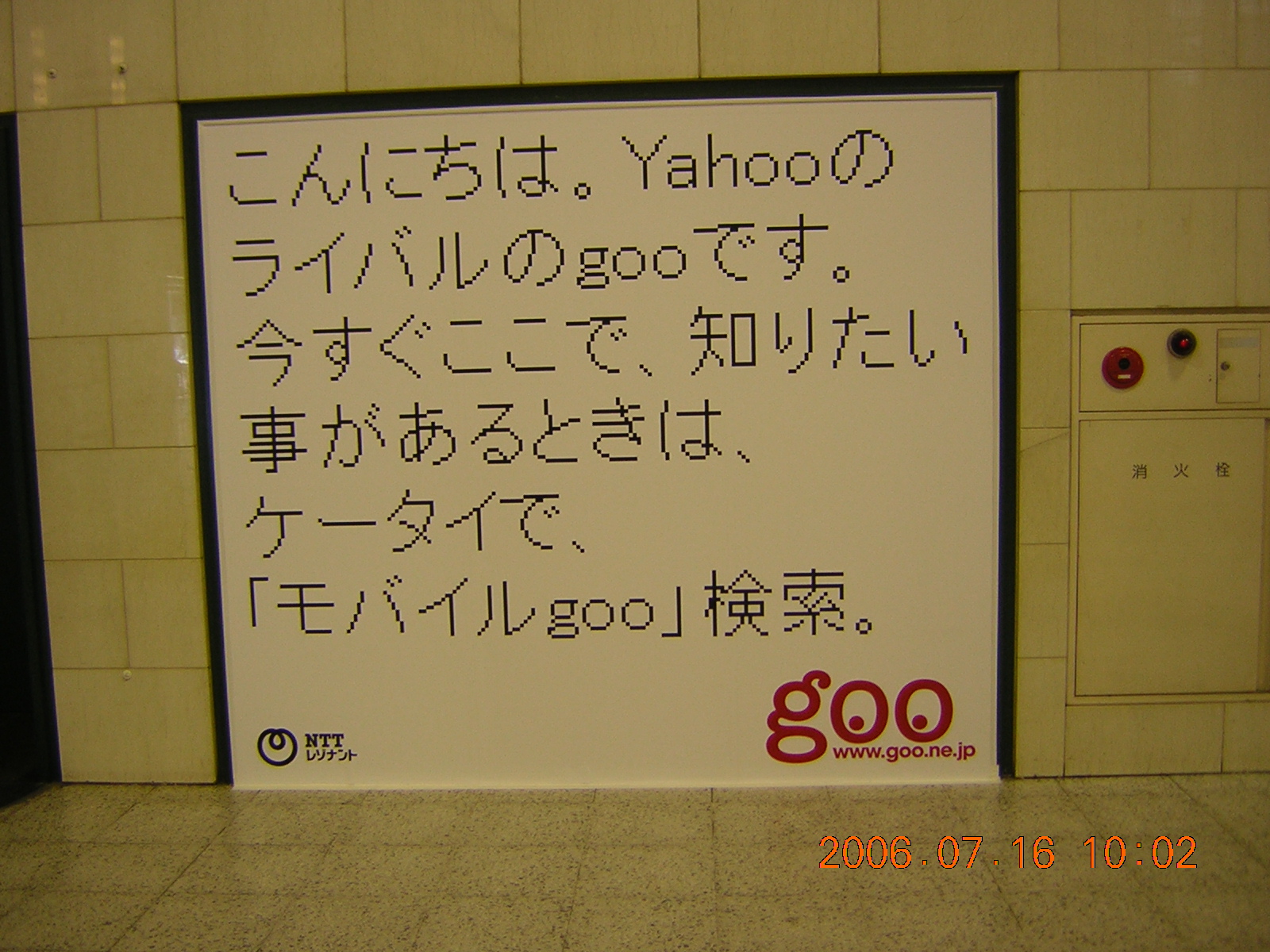
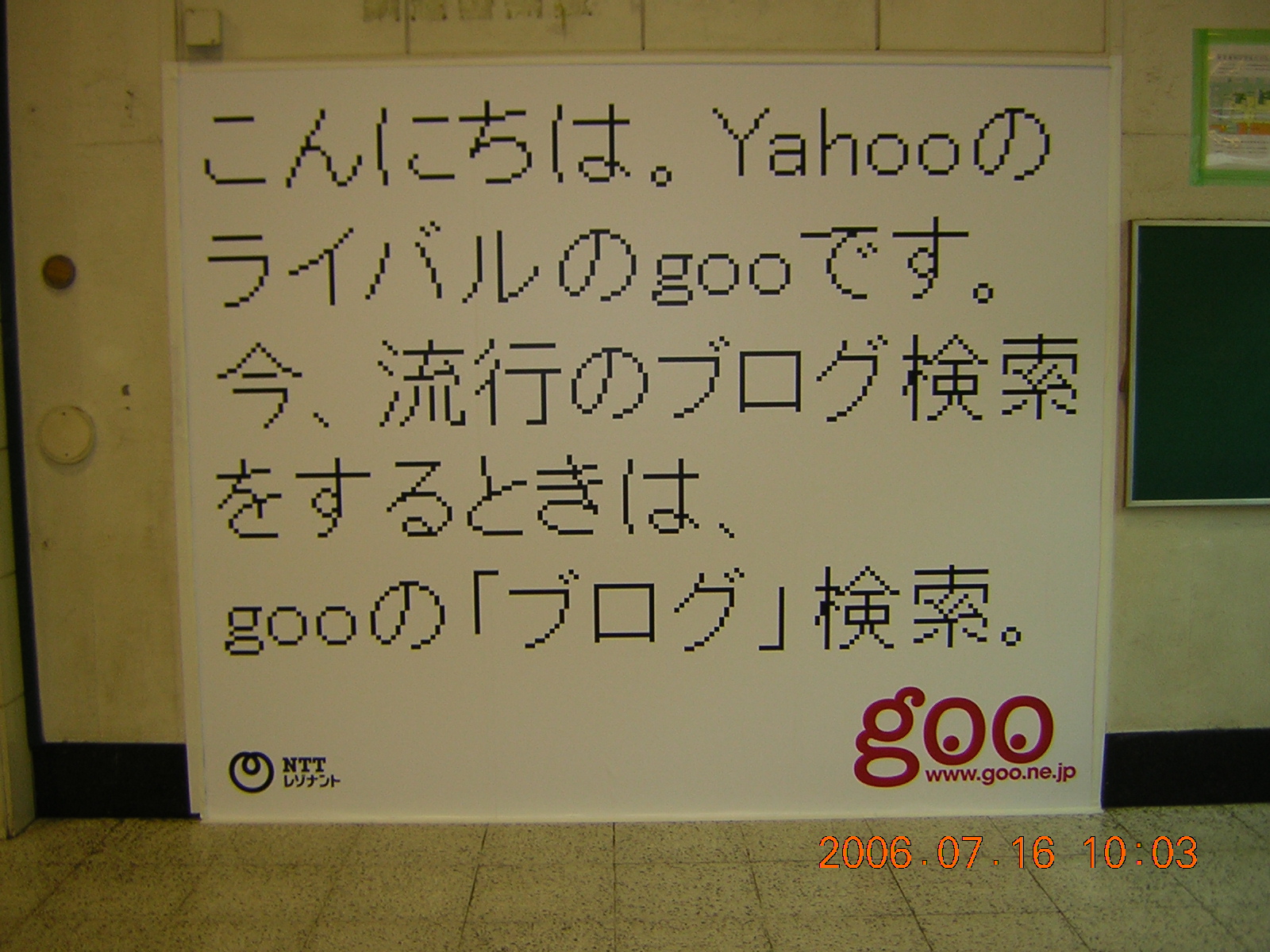
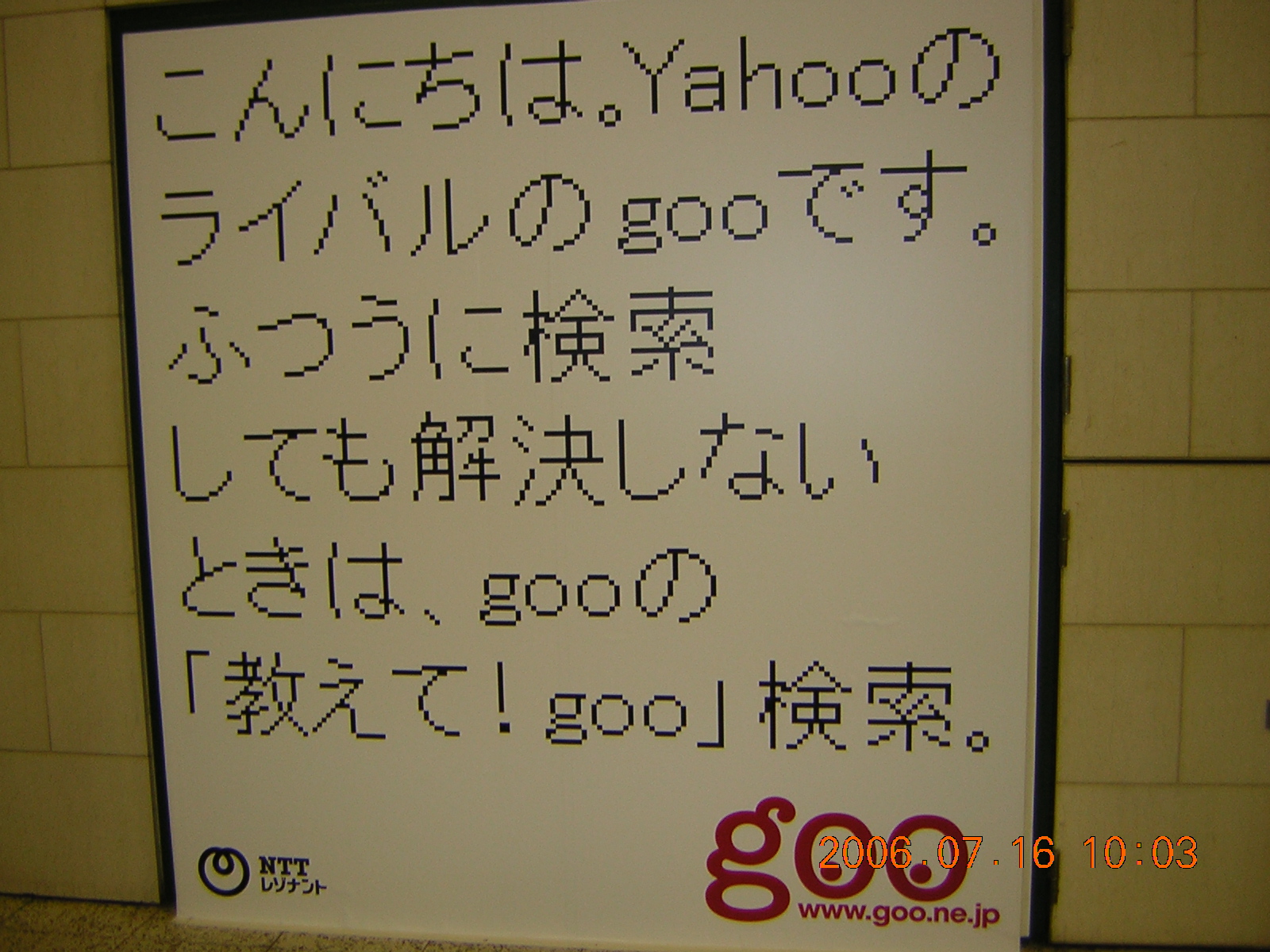
Yahoo!にケンカ売っているところが良い。しかし何故,”Googleのライバル”ではないのか,やっぱりPortal site同士ってことかしらん?
そーいや,Petzold本の翻訳が出ていたな。しかも訳したのが同級生だったりする。
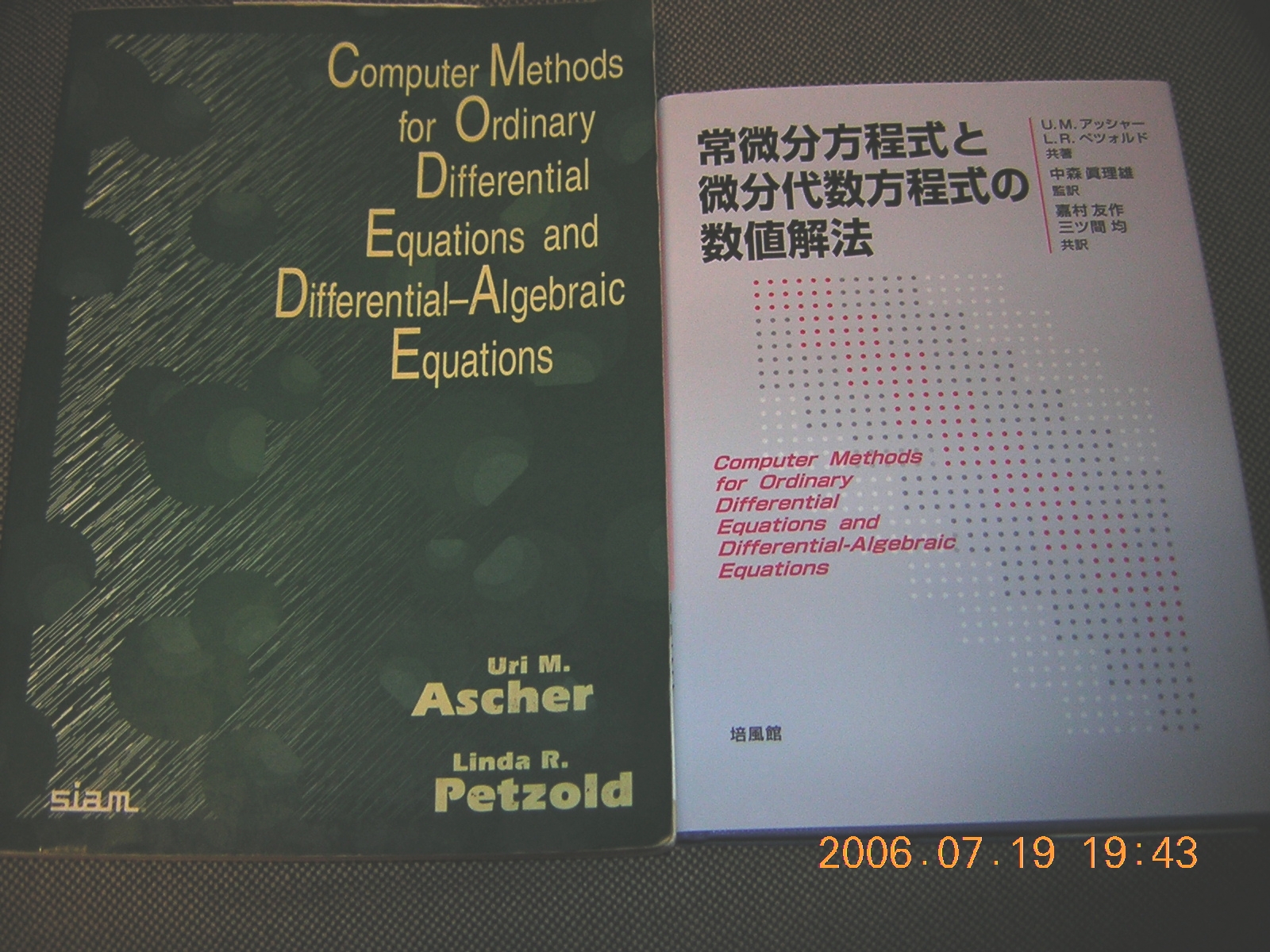
ワシはデカイ版の原書(写真左)の方に親しんでいるので,翻訳の方は学生用に飾っておこうっと。気に入ったら買ってやって下さい>英語に不自由な日本の方々(ワシも含む)
しかし,原書よりも翻訳本の方が安いってのが不思議だよなぁ。どこでコストが吸収されているのやら。
紹介すべき本は溜まっているのだが,ぷちめれっている暇がない。お盆にでもまとめて書くことにして,今は目の前のお仕事に集中しよう。
適当にやって寝ます。
7/16(日) 掛川・猛暑
予定を変更して,一日家に閉じこもって(いつものことだが)邁進した結果,何とか目処がつくところまでたどり着いた。あー,この調子で7月中には改訂版の下書きを揃えたいなぁ。
閉じこもっている間に,この夏一番の猛暑は過ぎ去ったようである。どーりでクーラー全開にしても暑いわけだ。
久々に充実した一日。明日は,じゃない今日は予定通り東京行き。汗だくになってアキバをうろちょろするのであるなぁ。
もう一眠りします。
7/15(土) 掛川・?
昨日は梅雨明けかと思われるほどの快晴かつ猛暑だったが,気象庁によれば,梅雨明けはもうちょっと後らしい。またぞろ梅雨前線が活発化してくるとのこと。うーむ,本日は大丈夫かしらん?
ふーん,Core 2 Duoって,EM64Tがenableなのねん。VTも使えるのか。てぇことは,VMwareなんかには向いているわけね。ま,当分こちとらPentium Dをお付き合いをするんで,触れるとしても来年以降だな。本格的に導入するのはQuad Coreになってから,と。
ドタバタとやるべきことに手を付け出す。まずはこれぇっー・・・とやりだしたはよいが,いつもの悪い癖で,あれもこれもと目移りしているうちに,何をすべきだったのかを忘れてしまう。ま,それでもちょっとは手がかりが得られたのでよしとしよう。
調べものの途中で,Leverrier-Fadeev法というものを知る。小生御大の本に掲載されていたもので,証明はSIAM Reviewに掲載されている。ふーん,ワシの大師匠あたりだとDanilevsky法なんて奴もあったようだが,それと同じく,固有多項式の係数を陽的に求める方法である。後者が消去法likeなのに対して,こいつは行列単位の計算のみで構成されているから,計算量の点ではかなり不利。まあでもimplementはしやすいよね・・・とゆーわけで作ってたという次第。ま,練習問題ぐらいにはならぁね。
これから一寝入りして東京行き・・・の筈だったが,予定の仕事が全然進まず気持ちが悪い。よって,本日中に残った仕事を上げ,東京行きは明日に順延。頑張り末世ー((c)高橋留美子)。
寝ます。
7/14(金) 掛川・晴
さわやかな晴天。気温はドンドン上昇しそうである。そろそろ梅雨明けかな?
やっと窓の杜にVMware Serverのニュースが掲載され,/.JにもVitual PC無償公開のタレこみに関連するコメントでこのニュースが載った。遅いよあんたら。
Virtual PCはWindows専用なのでほぼ埒外なのだが,一応試してみようとWindows XP x64環境にインストールしようとしたら,サポート外のOSなんだそーでインストールできず。真面目に売る気あんのか? あ,売り物じゃなかったっけか。M$としてはVirtual Serverの方を使ってくれということなのかもしらんが,当方,そこまで試している暇もないし,そもそもやろうとしていること(PC cluster構築実習・3 Layer Webプログラミング実習)にはマッチしないので,無視することにする。ホストOSとして,MPI PC cluster環境を残して共存させたいってのが大前提だしね。
本来はOFF日なのだが,企業訪問やら何やらで結構予定がいろいろ入る。いいよなー,雑用一切合財無視して「研究研究」って叫んでいれば無罪放免だと思っているバカどもは。そんなに研究だけしたいんだったら研究所に行けよ,バカ。うちは教育・研究機関なんだからな,そこんとこ忘れてもらっちゃ困るんだよ。
教育・研究を両立させんがために(エラソウ),行ってきます。
7/12(水) 掛川・曇
うー,じとじと。気温はさほどでもないが,湿度が異常に高いような。どーせならひと降りあって欲しいぞ。早く明けないかなぁ>梅雨
今年はこれ以上むやみやたらに講演しまくるのは止め,予定通り論文に全力投球することを決意,大師匠に草稿を送る。2本同時投稿なるか?
Movable Type 3.3.1-ja(日本語版)リリース。bug fixが主のようである。ああ,いつになったら(以下略)。
「とんでる力学」購入。感想は・・・おっかないから書くのはやめよう(笑)。
しかし,川原教授の漫画読んでいるだけでオタク扱いはないんでないかい?
うわーっ,いつの間にかVMware Serverが正式リリース。7/10付けだから,それほど浦島太郎にならずに済んだか。しかし,/.JとかPC Watchとか,全然報道してくんないのね。
早速インストールしてみるが,RC2との違いは全然分からない。Expirationがなくなったぐらいか。とりあえず,Vine Linuxへのインストールメモ。
——————————————————————-
1. VMware Serverのダウンロード。RegistしてSerial Numberも取得しておくこと。Linux用とWindows用にそれぞれ取得しておく必要がある(Windows用のSerial NumberをLinux用に転用できない,逆も同様)。
2. 解凍して,ディレクトリ移動。
$ tar zxvf VMware-server-1.0.0-28343.tar.gz
$ cd vmware-server-distrib
3. 既存のVMware Server/Playerが走っているようなら,Deamonを止めておくこと。
# /sbin/service vmware stop Stopping VMware virtual machines…
Stopping VMware services:
Virtual machine monitor [ OK ]
Bridged networking on /dev/vmnet0 [ OK ]
Virtual ethernet [ OK ]
4. インストール用Perlスクリプトを起動。インストール先ディレクトリなどを聞いてくるので適当に答える。デフォルト値([ ]内)でよければReturn。
# ls
FILES doc/ installer/ man/ vmware-install.pl@
bin/ etc/ lib/ sbin/ vmware-vix/
# ./vmware-install.pl
(略)
Installing the content of the package.
In which directory do you want to install the binary files?
[/usr/local/bin]
What is the directory that contains the init directories (rc0.d/ to rc6.d/)?
[/etc/rc.d]
What is the directory that contains the init scripts?
[/etc/rc.d/init.d]
In which directory do you want to install the daemon files?
[/usr/local/sbin]
In which directory do you want to install the library files?
[/usr/local/lib/vmware]
The path “/usr/local/lib/vmware” does not exist currently. This program is
going to create it, including needed parent directories. Is this what you want?
[yes]
In which directory do you want to install the manual files?
[/usr/local/man]
In which directory do you want to install the documentation files?
[/usr/local/doc/vmware]
The path “/usr/local/doc/vmware” does not exist currently. This program is going to create it, including needed parent directories. Is this what you want?
[yes]
The installation of VMware Server 1.0.0 build-28343 for Linux completed
successfully. You can decide to remove this software from your system at any
time by invoking the following command: “/usr/local/bin/vmware-uninstall.pl”.
Before running VMware Server for the first time, you need to configure it by
invoking the following command: “/usr/local/bin/vmware-config.pl”. Do you want
this program to invoke the command for you now? [yes]
(略)
You must read and accept the End User License Agreement to continue.
Press enter to display it.
(略)
Do you accept? (yes/no) yes
Thank you.
Configuring fallback GTK+ 2.4 libraries.
In which directory do you want to install the mime type icons?
[/usr/share/icons]
What directory contains your desktop menu entry files? These files have a
.desktop file extension. [/usr/share/applications]
In which directory do you want to install the application’s icon?
[/usr/share/pixmaps]
Trying to find a suitable vmmon module for your running kernel. <-- これが必要になるので,Kernel sourceを入れておくと良い。
None of the pre-built vmmon modules for VMware Server is suitable for your
running kernel. Do you want this program to try to build the vmmon module for
your system (you need to have a C compiler installed on your system)? [yes]
Using compiler "/usr/bin/gcc". Use environment variable CC to override.
What is the location of the directory of C header files that match your running
kernel? [/lib/modules/2.4.27-0vl7/build/include]
Extracting the sources of the vmmon module.
(略)
The module loads perfectly in the running kernel.
You have already setup networking.
Would you like to skip networking setup and keep your old settings as they are?
(yes/no) [yes]
Extracting the sources of the vmnet module.
Building the vmnet module.
(略)
The module loads perfectly in the running kernel.
Please specify a port for remote console connections to use [902]
Configuring the VMware VmPerl Scripting API.
Building the VMware VmPerl Scripting API.
Using compiler "/usr/bin/gcc". Use environment variable CC to override.
Installing the VMware VmPerl Scripting API.
The installation of the VMware VmPerl Scripting API succeeded.
Do you want this program to set up permissions for your registered virtual
machines? This will be done by setting new permissions on all files found in
the "/etc/vmware/vm-list" file. [no]
Generating SSL Server Certificate
In which directory do you want to keep your virtual machine files?
[/var/lib/vmware/Virtual Machines]
Do you want to enter a serial number now? (yes/no/help) [no] yes
Please enter your 20-character serial number.
Type XXXXX-XXXXX-XXXXX-XXXXX or 'Enter' to cancel:
ここにSerial Numberを記入
Starting VMware services:
Virtual machine monitor [ OK ]
Virtual ethernet [ OK ]
Bridged networking on /dev/vmnet0 [ OK ]
Starting VMware virtual machines... [ OK ]
The configuration of VMware Server 1.0.0 build-28343 for Linux for this running
kernel completed successfully.
4. 以上でインストール完了。
-------------------------------------------------------------------
ボチボチやって寝ます。